
API Keys
An API key lets a script or another tool talk to monetr without a browser session sitting behind it. Anything the app can do, a key can do too, since the app itself calls the exact same REST API that's documented on this site.
Under the hood a key is a Basic auth pair: an ID that looks like any other monetr identifier, and a secret you only see once.
You'll need a monetr account first. If you don't have one yet, start with Getting Started.
Create a key
Creating a key needs an active subscription on monetr's hosted service. Self-hosted instances with billing turned off skip that check entirely.
Once you're signed in, click the gear icon on the sidebar to open Settings, then click API Keys along the top.
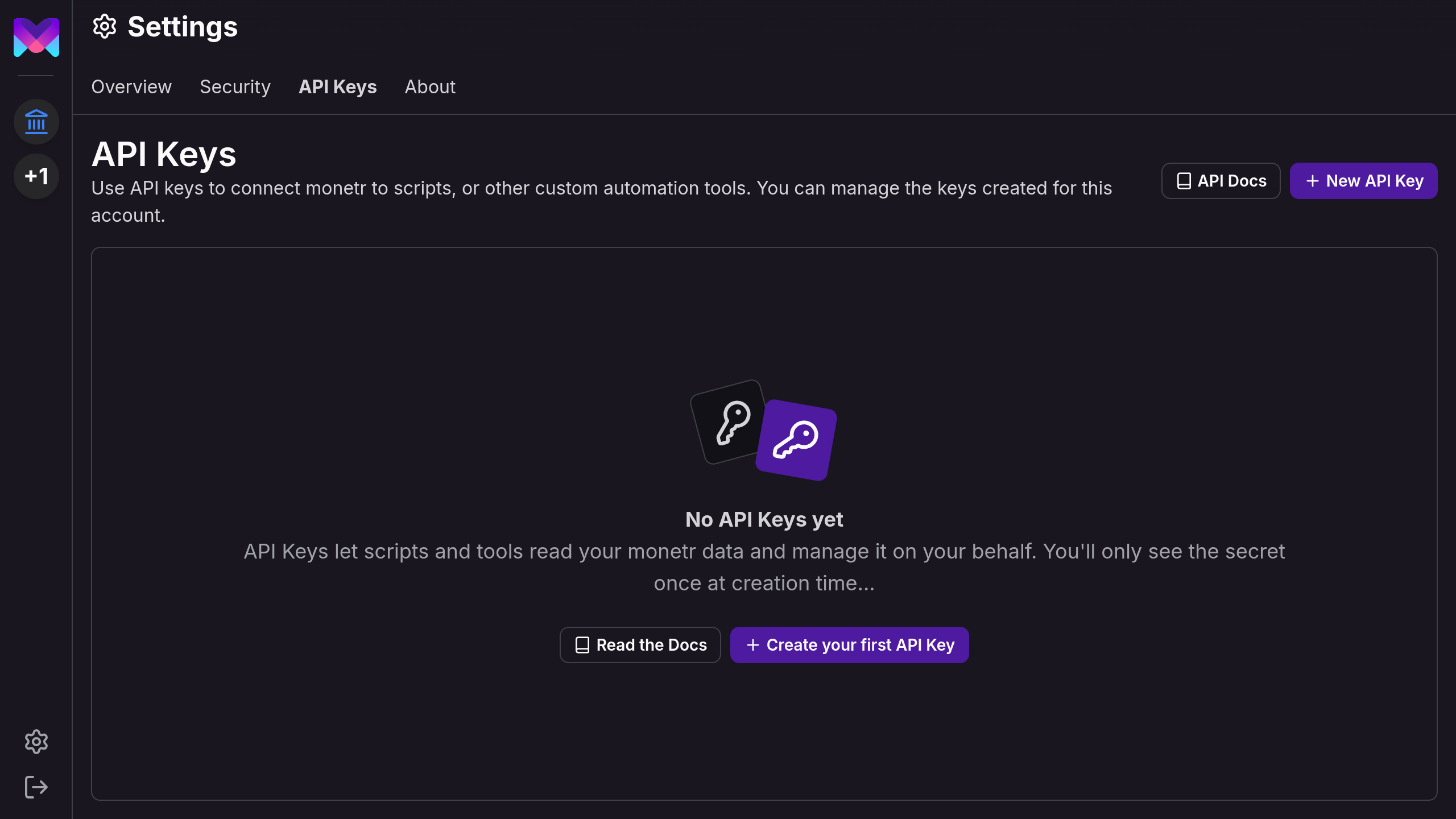
Click New API Key
Click New API Key in the top right.
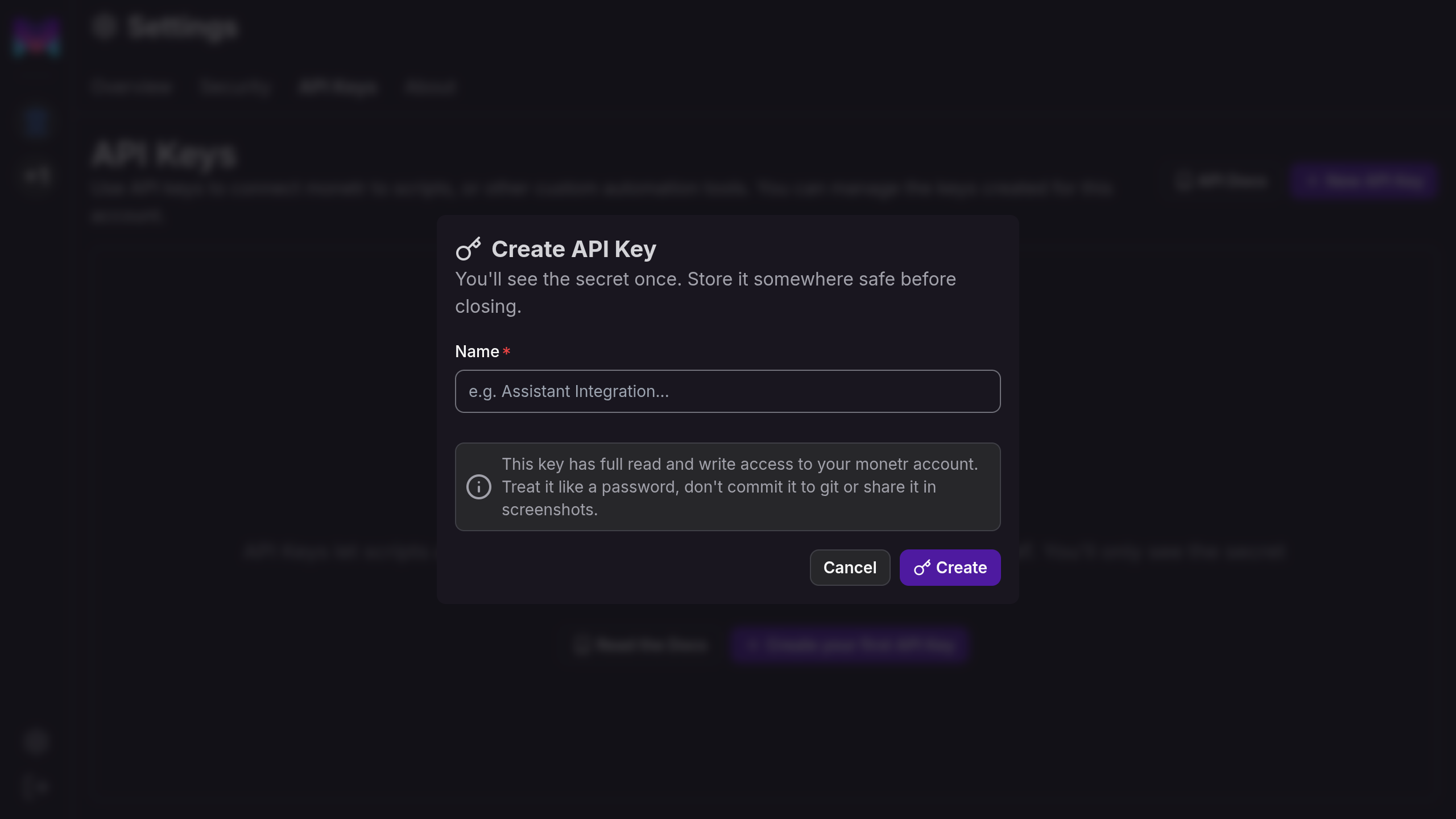
Name it
Give the key a name that'll remind you what it's for later, the script or tool that's going to use it works well. This key has full read and write access to your account, so treat the name as a label you can audit later, not just a reminder for today.
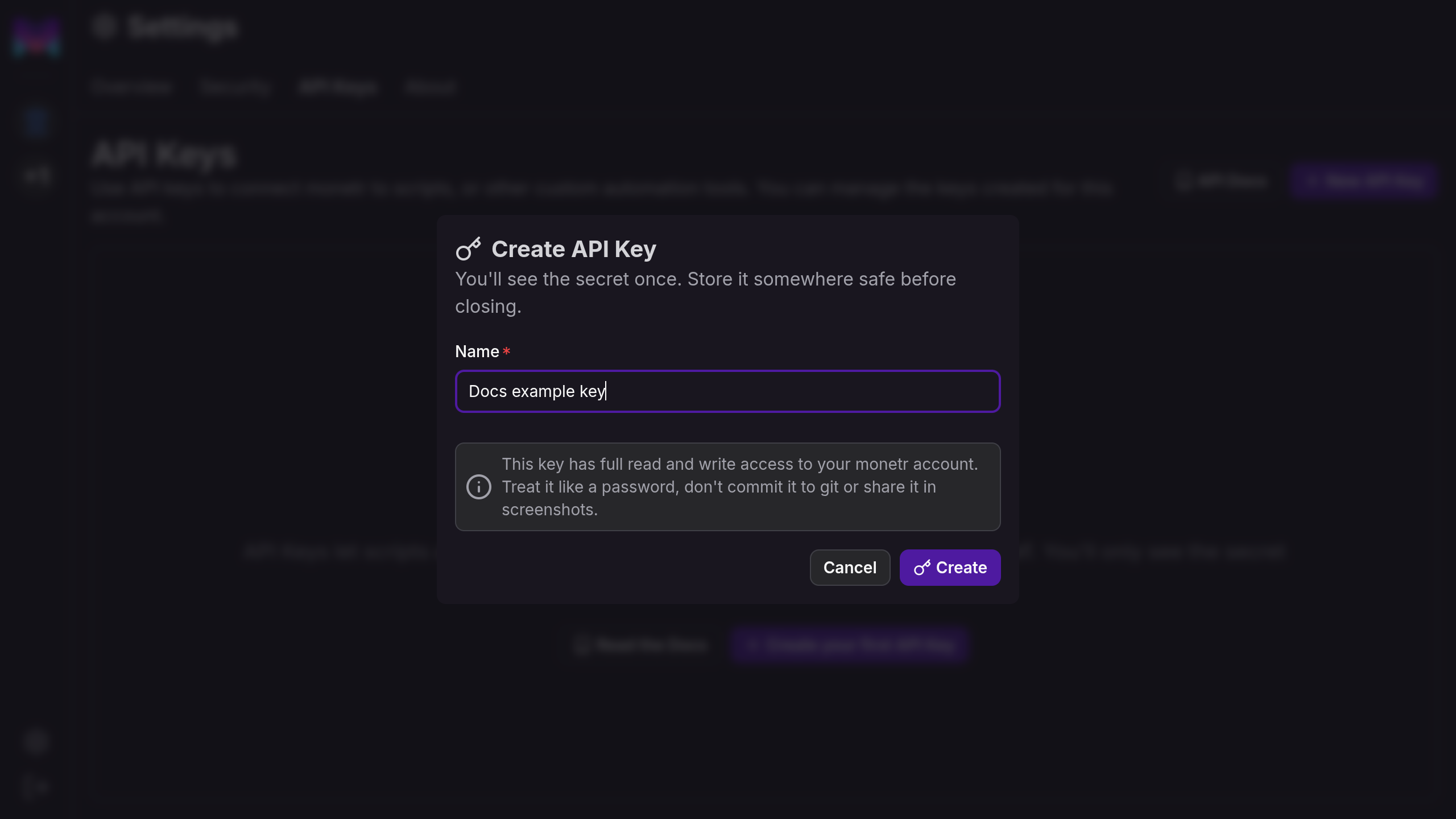
Click Create once you're happy with the name.
Copy the secret
monetr shows you the secret exactly once. It stores a public key derived from it and verifies requests against that, so it genuinely can't show this to you again once the dialog closes.
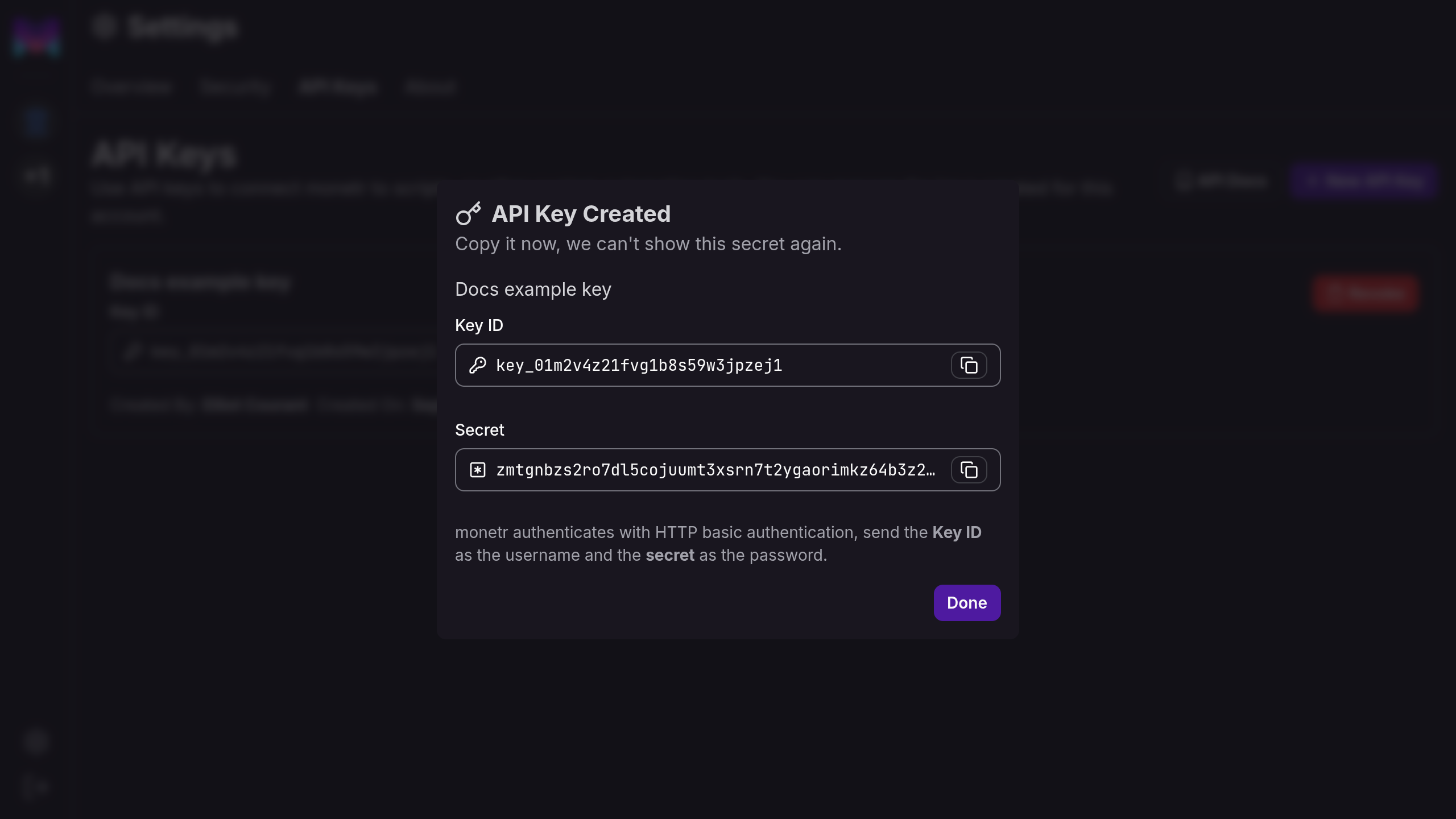
Treat the secret like a password. Don't commit it to git, don't paste it into a chat, don't leave it sitting in a screenshot. If you lose it, revoke the key and make a new one, there's no way to recover the original.
Copy both the Key ID and the Secret somewhere safe, then click Done.
Manage it later
Your key now shows up in the table, along with who created it and when.
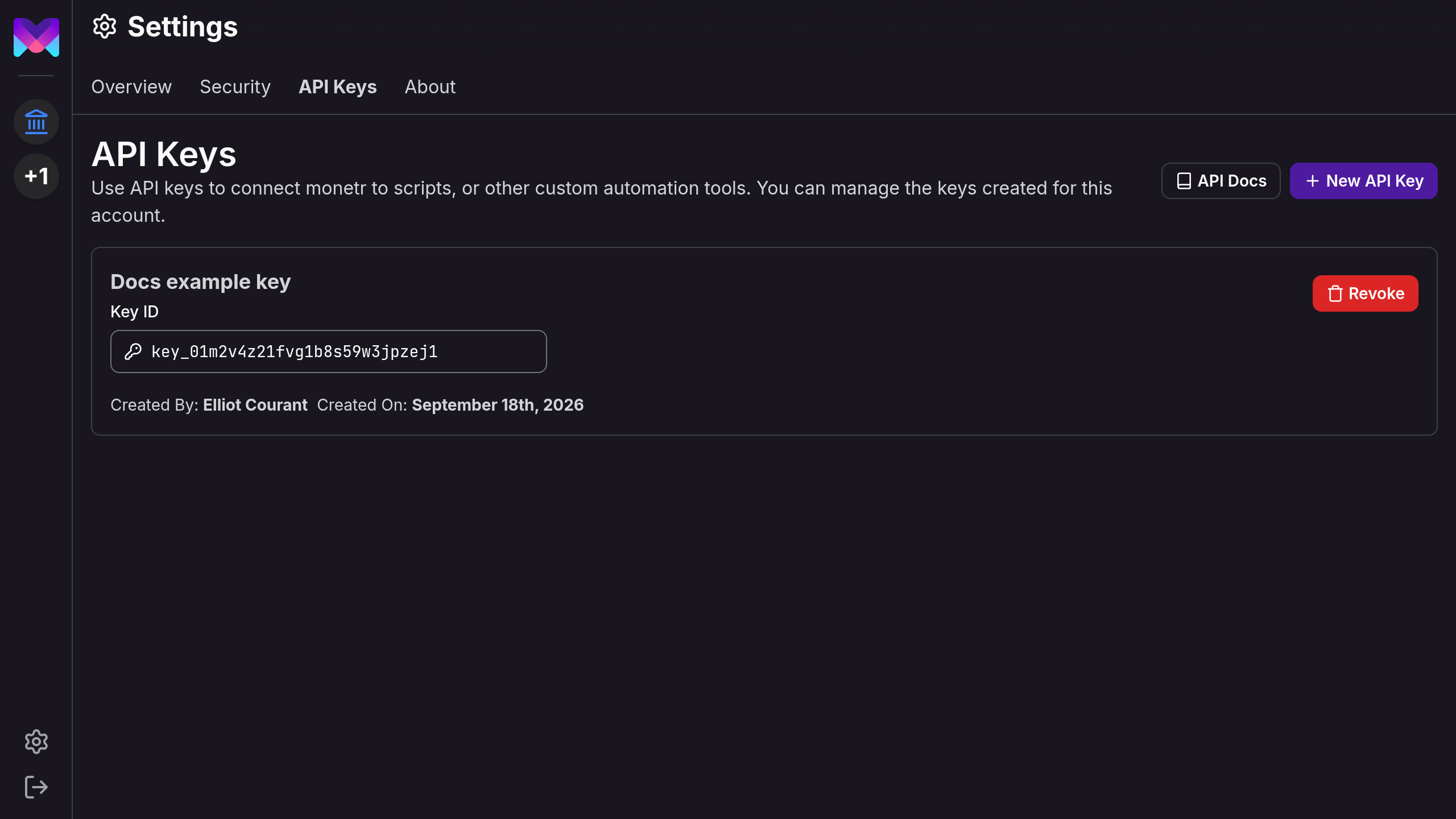
You can revoke a key from here at any time. Revoking takes effect immediately, anything still using that key starts failing with a 401 on its next request.
Using your key
Export both halves as environment variables and every curl example on this site runs unedited:
Then try listing your links:
That's the manual budget from Getting Started, read back over the API instead of the app.
Full reference: API Keys, List links
Revoking a key
Revoke a key the moment you're done with whatever was using it, or the moment you suspect it's leaked. monetr doesn't have a way to rotate a secret in place, revoking and creating a new key is the only path.
Back on the API Keys tab, click Revoke next to the key.
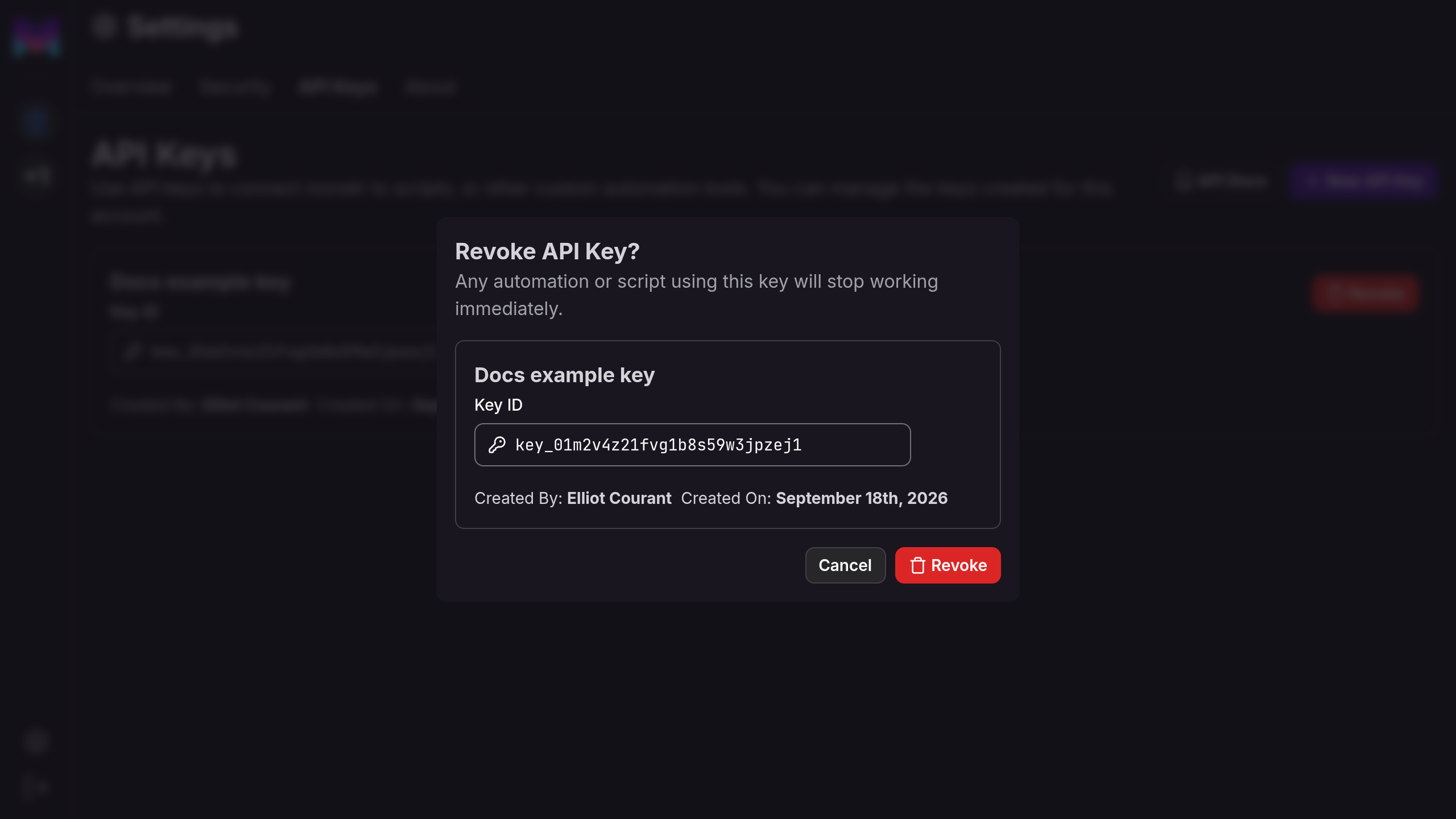
Click Revoke again to confirm. There's no undo, the key disappears from the table right away and you're back to the empty state from the start of this guide if it was the only one you had.
Using a revoked key
Once a key is revoked, every request using it comes back 401, immediately, no grace
period:
That's the same 401 you'd get from a key ID and secret that never matched in the first place, monetr doesn't distinguish "revoked" from "never valid" in the error body. See Errors for the rest of the error shapes, and Revoke an API key for the endpoint itself.
What to read next
- Quickstart builds a whole budget over the API in six calls, starting from the same manual link you just read back above.
- REST API Overview covers how auth, errors, IDs and money work everywhere on the API, not just here.